
Mainline Module Info
pm list packages --apex-only
Android updates part of itself through Google Play: the Google Play system update, built from Project Mainline modules. Mainline Module Info shows which of these modules your phone runs, their versions, and when they last changed.

- Android 10+ (API 29)
- no root
- no account
- 10 languages
- light and dark
What it shows
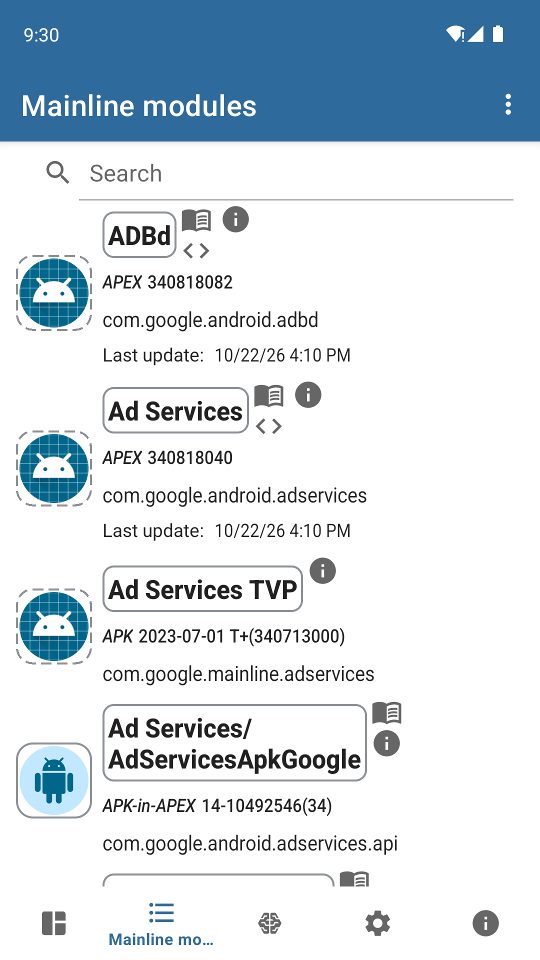
- Every Mainline module on your phone, APEX and APK, plus the apps packaged inside them: package name, version and when it was last updated. You can search the list.
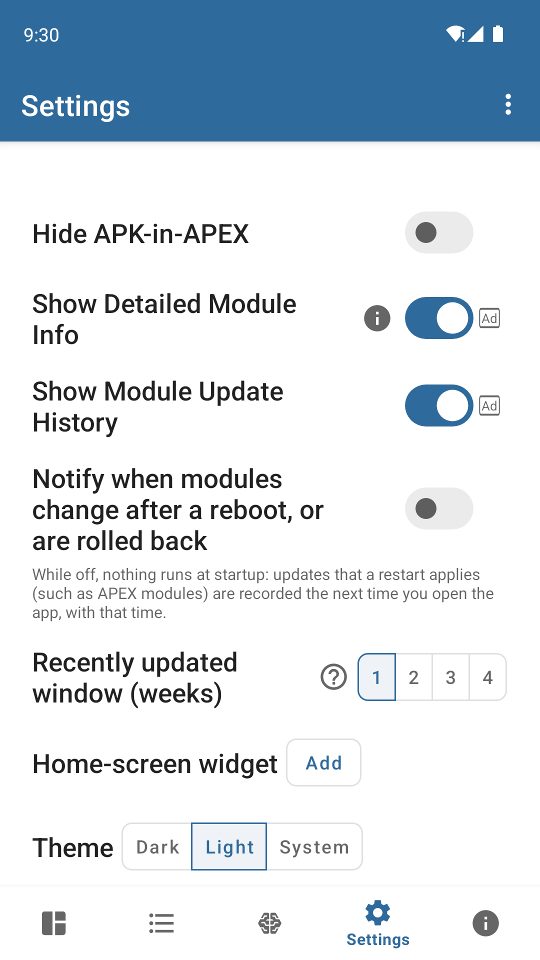
- An update history. When a module's version changes, rolls back or is replaced, the app notes it on your device, and can send a notification after a reboot.
- A details page per module: source directory, signing certificate, install location and more, with links to its documentation and source code.
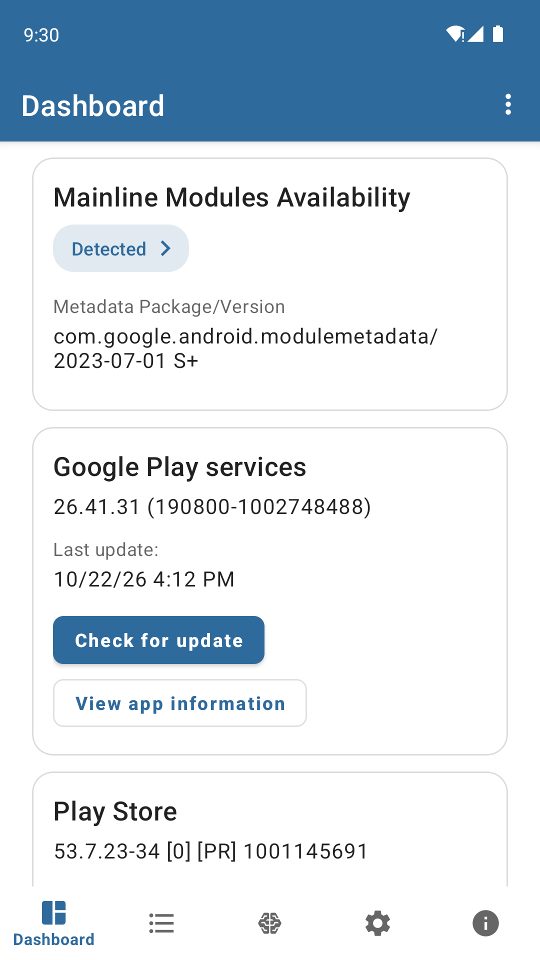
- A dashboard with your module metadata version, the Google Play services and Play Store versions, and a shortcut to Android's own "Google Play system update" check where your phone has one.
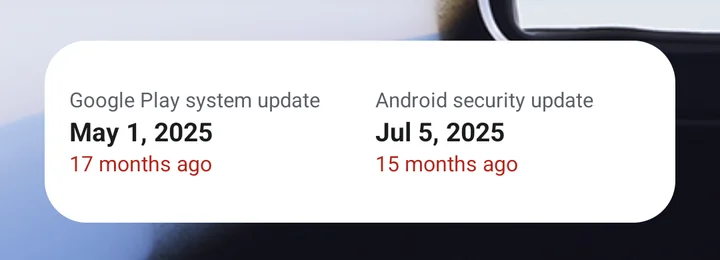
- A home-screen widget new in 2.2.4 with the dates of your Google Play system update and Android security update, and how old they are.
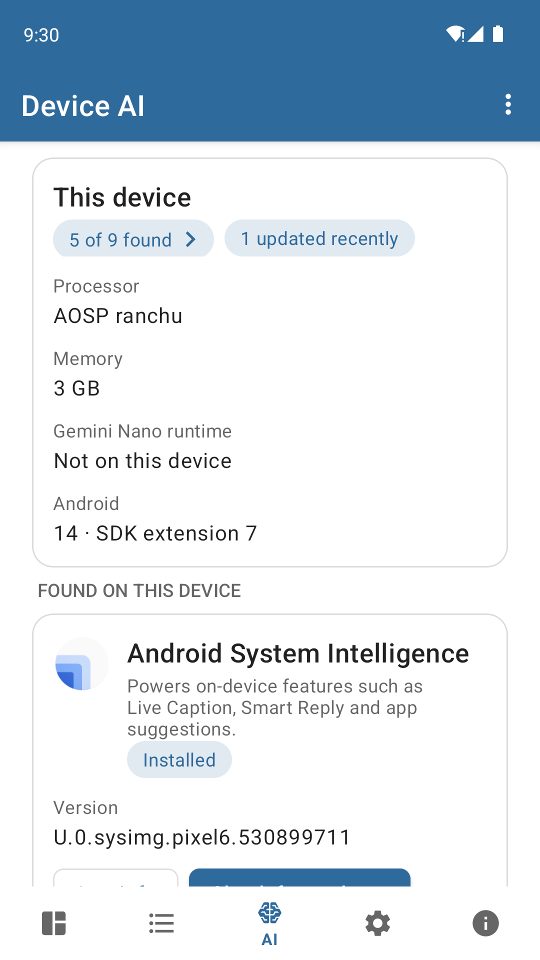
- A list of the on-device AI services your phone ships, such as AICore and Private Compute Services.
Screenshots
Questions
What is a Google Play system update?
Since Android 10, parts of Android itself (media codecs, networking, permissions, time zones, the Android Runtime and more) are packaged as Mainline modules that Google can update through Google Play, separately from your phone maker's system updates. Android's Settings shows the date of the installed Google Play system update (usually under Security or About phone → Android version).
Why is my date different from someone else's?
There is no single version that every phone gets. Which modules a phone has depends on its Android version and on the phone maker; updates roll out in stages; an update can be held back or rolled back; and some modules only change with a full system update from the phone maker. Two phones can show different dates and module versions, and both can be current for their model. Mainline Module Info shows what your phone actually runs.
How is the Android security update different?
The Android security update (the security patch level) comes with your phone maker's system update. The Google Play system update comes through Google Play. They are updated separately, so their dates usually differ.
What do APEX, APK and APK-in-APEX mean?
An APEX module is a container for low-level system components; Android mounts it at boot, so updates to it take effect after a restart. An APK module is an app-like package that updates like an app. An APK-in-APEX is an app shipped inside an APEX module.
Does it need root or an account? What happens to my data?
No root and no account: the app reads what Android reports to any app about installed packages. The update history stays on your device. See the privacy policy for the ads and anonymous analytics the app uses.
Get it
Free on Google Play. Android 10 or later.
Also from Simplicity.IO: Linux Terminal Helper.